


Announcing the Flyway Docker provisioner, now in Preview in Flyway Enterprise
"Why do I need to give Flyway this extra database?" That's one of the most common blockers we hear from users setting up a Flyway project.
Flyway has long had a concept of a build database or shadow database that is a dedicated sandbox database for Flyway to do background work in. It's required for Flyway to be able to simulate what running a set of migrations will do to a database. This unlocks the ability to generate more migration scripts as well as change reports, crucial in reviewing what objects have changed before doing an actual deployment. In practice, however, the infrastructure for setting one up can be a pain point for some users, especially given these databases hold no real data.
While the existing create-database provisioner can create a shadow database for you on an existing server, many teams find themselves mired in cost, security or infrastructural restrictions.
We're excited to share that the Docker provisioner is now in preview in Flyway Enterprise. Set provisioner = "docker" on an environment, and Flyway works out what database you need, starts it, and connects to it. There is no server required on your own machine or your build agent.
How to use Docker for your build and shadow databases
Provisioning these background databases via Docker has existed in Flyway Enterprise for a while, but required a lot of work:
- Write a compose file (usually a Dockerfile to go with it)
- Hardcode a port, and hope no other project on the machine wanted it too
- Put a password in a file, and then commit that file
That's a lot of plumbing to get a database for Flyway to use.
We renamed this existing provisioner to docker-compose. The new Docker provisioner cuts straight past all this. The config is just provisioner="docker" and can easily be set in the Flyway CLI or Flyway Desktop.
What's actually new
Flyway is smart about choosing what database to spin up.
Instead of pulling whatever's tagged latest, it connects to the real environment database and reads the engine/version straight off the connection. Tell it to match production, for example, it'll notice you're on SQL Server 2022 or PostgreSQL 16, and hand you a database on that exact version.
Where the image actually comes from depends on the engine, because every vendor does this differently. PostgreSQL and MySQL come straight from the official Docker Hub images, SQL Server comes from Microsoft's own registry, and Oracle comes from a well-known community-maintained image, since Oracle doesn't publish one of its own that's easy to run.
This means migrations that pass on your build database and fail on release because of differences in engines should no longer be a concern.
With the Docker provisioner, you get:
- Version parity for free. Match the engine and version of any environment you already have.
- Containers that survive between commands. A pipeline that runs migrate, then check, then info reuses the same container because they are kept alive by default. This avoids unnecessary overhead of spinning up the same build database three times.
- No port clashes. Two projects, or two CI jobs on the same agent don't fight over the same port.
- Helpful error messages. It can be hard to diagnose what's wrong with stack traces, Docker not installed, Docker not running, license not accepted etc. The Flyway Docker provisioner is clear with telling you what's wrong in your configuration.
Supported engines, and what to know
The Flyway Docker provisioner supports SQL Server, PostgreSQL, MySQL, and Oracle databases. Provisioning SQL Server and Oracle databases with the new Docker provisioner requires accepting the database vendor’s EULA, via iAgreeToTheDBVendorsEula = true.
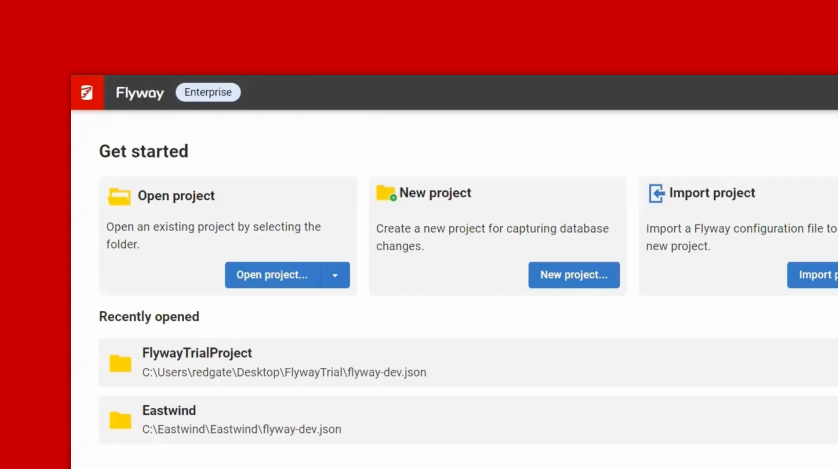
It's in Flyway Desktop too, as a "Provision with Docker" option when you set up a shadow database.
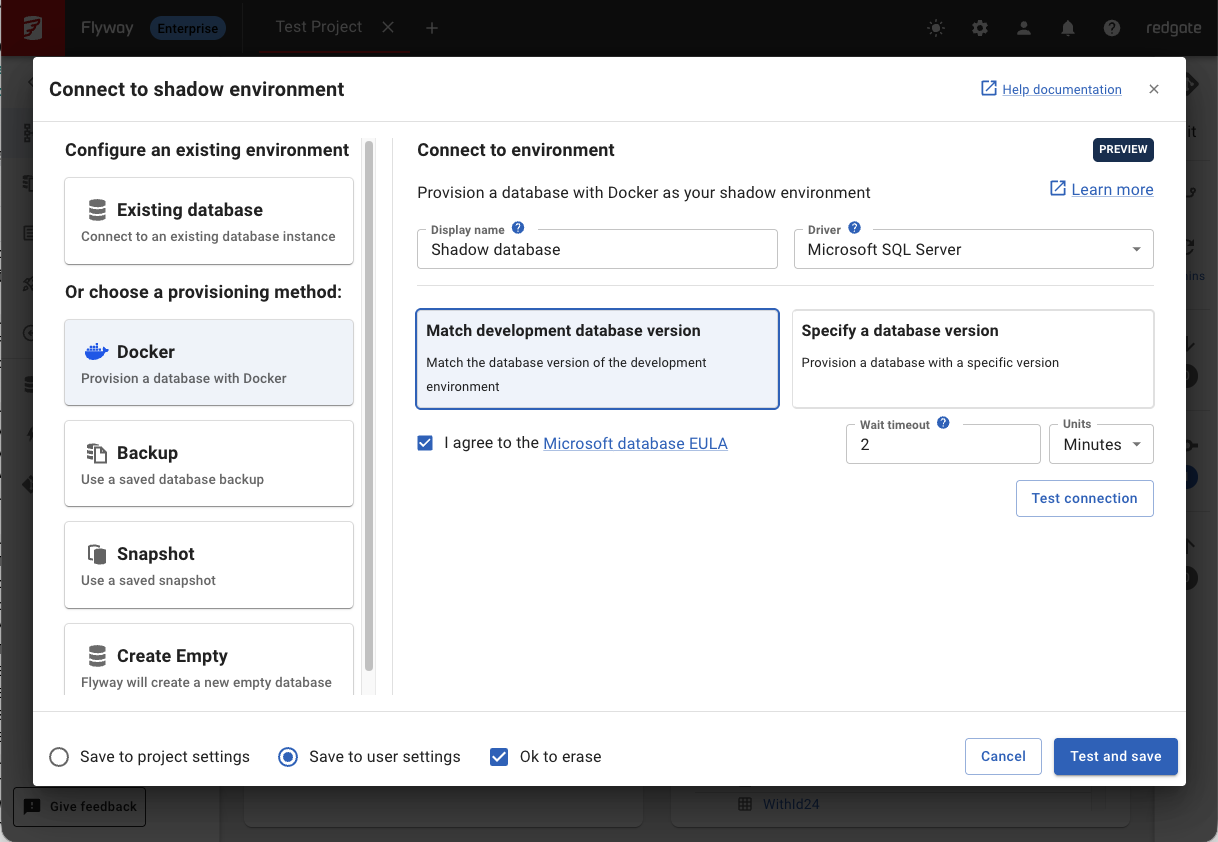
Try the preview
The Docker provisioner is available now in Preview to Flyway Enterprise users. We think it's worth five minutes if:
- You've shipped a migration that worked on your build database and failed on the real one, because the versions didn't match
- You're setting up a shadow database or CI for a new Flyway project and don't want to stand up extra infrastructure
- You're maintaining a compose file, a Dockerfile, or an entry point script just to get a disposable database
Full configuration details are in the Docker provisioner documentation. It's in Preview because we want a few more users to try it in their real world environments before we make it generally available. If you do give it a try, let us know how you get on with it, especially if you have any issues, or just reach out with any questions.
This document contains proprietary information and is protected by copyright law.
Copyright © 2026 Red Gate Software Limited. All rights reserved
Tools in this post
You may also like

Blog
Introducing Flyway Insights: see the change, know the impact

Blog
Loading comments...