Security and compliance
Ensure data security and compliance with monitoring and change traceability
Ensure data security and compliance with monitoring and change traceability
Monitor and understand your databases with full visibility into performance and change
Build, test, and deploy database changes with confidence
Simplify and speed up database development workflows
Prepare reliable data foundations for AI initiatives
Simplify and secure database modernization across platforms
Control costs and boost efficiency in database operations
Simplify and speed up cloud database transformation
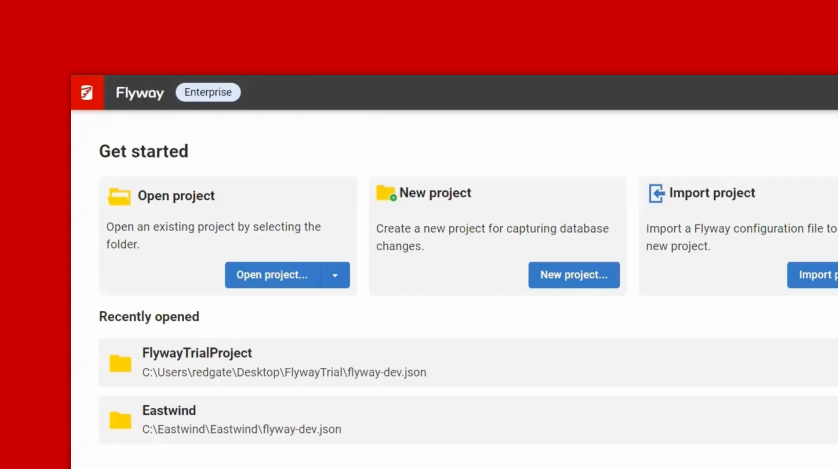
With your environments set up and your databases provisioned, it's time to begin working with your Flyway Autopilot project. In this episode, you’ll learn how to configure your project to make changes to the Autopilot Dev database, track those changes using Flyway Desktop, and prepare for automated deployments.
This episode guides you through the process of:
By the end of this episode, you'll have a solid foundation for managing schema changes and taking the next steps toward automation.
This document contains proprietary information and is protected by copyright law.
Copyright © 2026 Red Gate Software Limited. All rights reserved