Security and compliance
Ensure data security and compliance with monitoring and change traceability
Ensure data security and compliance with monitoring and change traceability
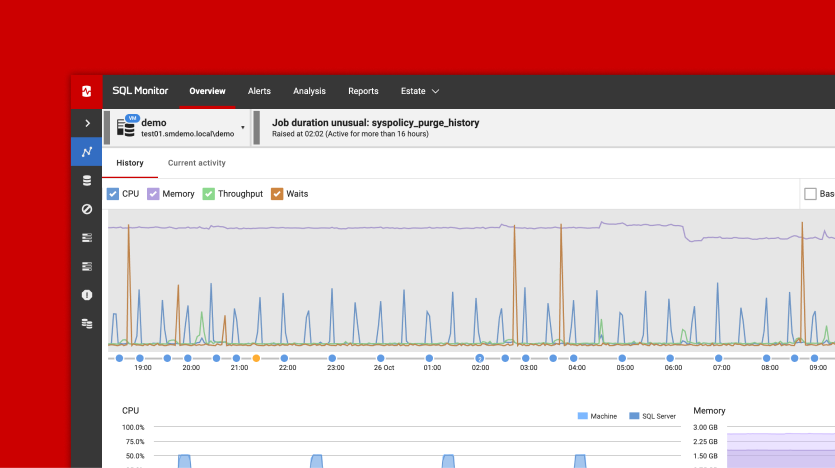
Monitor and understand your databases with full visibility into performance and change
Build, test, and deploy database changes with confidence
Simplify and speed up database development workflows
Prepare reliable data foundations for AI initiatives
Simplify and secure database modernization across platforms
Control costs and boost efficiency in database operations
Simplify and speed up cloud database transformation
How to install your tools and get the most value from the features.

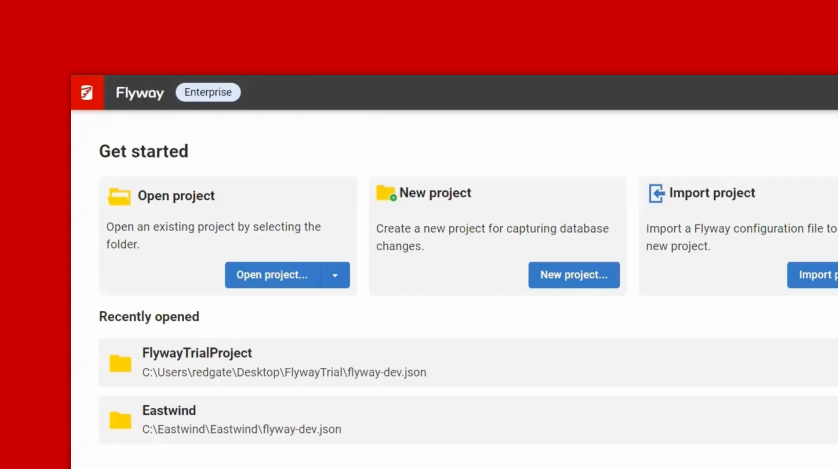
This course, led by Chris Hawkins and Huxley Kendell, Solution Engineers at Redgate, provides a hands-on introduction to Redgate Flyway Enterprise. You'll start by understanding why database deployments need a structured approach, then move through setting up a project, capturing your schema, and working as a team in version control. From there you'll choose your deployment path, either state-based or migrations-based, and follow a practical end-to-end workflow through to deployment. By the end of the course you'll have the knowledge and confidence to manage database changes with Redgate Flyway in a real environment.
Discover Autopilot for Redgate Flyway, a suite of sample projects designed to help you and your team experience a complete database development and automated deployment process with minimal setup. Whether you're just starting out or you're looking to integrate your own database schema into a CI/CD pipeline, Autopilot for Redgate Flyway has a version tailored to your needs.
Enhance your knowledge of Redgate tools with more technical tips, tricks, and troubleshooting.

Learn and master advanced Flyway CLI commands to automate schema change management directly in CI/CD pipelines with Andrew Pierce. He will walk you through comparing database states, generating migrations programmatically, and orchestrating complex deployments without the GUI.
This course covers key Flyway Enterprise workflows, including a full walk through of an end-to-end proof of concept, and advanced use cases.