Security and compliance
Ensure data security and compliance with monitoring and change traceability
Ensure data security and compliance with monitoring and change traceability
Monitor and understand your databases with full visibility into performance and change
Build, test, and deploy database changes with confidence
Simplify and speed up database development workflows
Prepare reliable data foundations for AI initiatives
Simplify and secure database modernization across platforms
Control costs and boost efficiency in database operations
Simplify and speed up cloud database transformation
When you pick up a database development project from a colleague – perhaps they're off sick, perhaps they're just passing work on to you – it's hard to know where to start.
Often, you won't even get a list of changes, let alone documentation.
So how do you make sure you don't duplicate work that's already been done, or overwriting important changes?
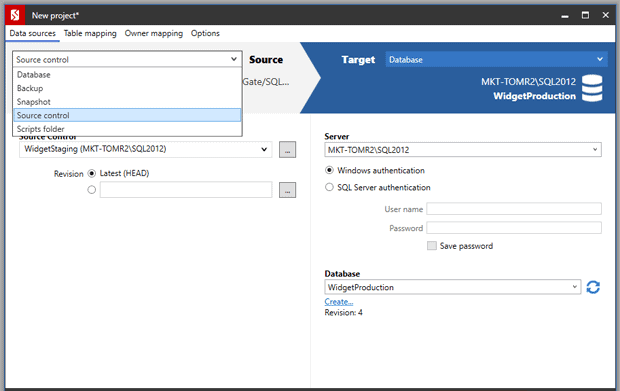
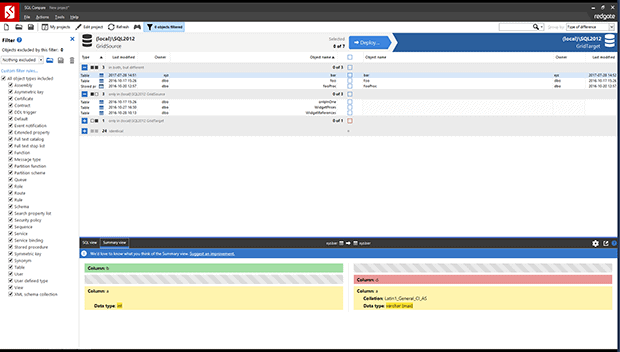
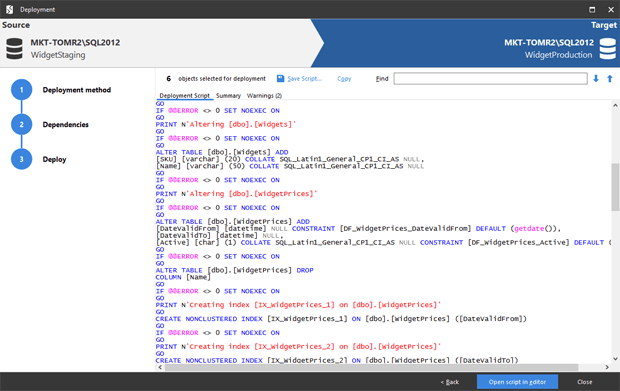
Redgate SQL Compare can show you exactly what's going on in your database, taking you straight to the areas you should focus on. You can use it to:
It's the industry-standard tool for investigating and deploying SQL Server database changes, used by 71% of the Fortune 100, including Walmart, Chevron, and Prudential Financial.
Try it for yourself, and see how simple it can be to spot every change in your database. Download a 14-day free trial of SQL Compare now.