Sicherheit und Compliance
Gewährleisten Sie Datensicherheit und Compliance mit Datenmaskierung, Monitoring und Änderungsnachverfolgung
Gewährleisten Sie Datensicherheit und Compliance mit Datenmaskierung, Monitoring und Änderungsnachverfolgung
Überwachen und verstehen Sie Ihre Datenbanken mit vollständiger Transparenz über Leistung und Änderungen
Datenbankänderungen sicher erstellen, testen und bereitstellen
Datenbankentwicklungsprozesse vereinfachen und beschleunigen
Zuverlässige Datengrundlagen für KI-Initiativen vorbereiten
Plattformübergreifende Modernisierung von Datenbanken vereinfachen und absichern
Kosten steuern und Effizienz im Datenbankbetrieb erhöhen
Transformation von Cloud-Datenbanken vereinfachen und beschleunigen
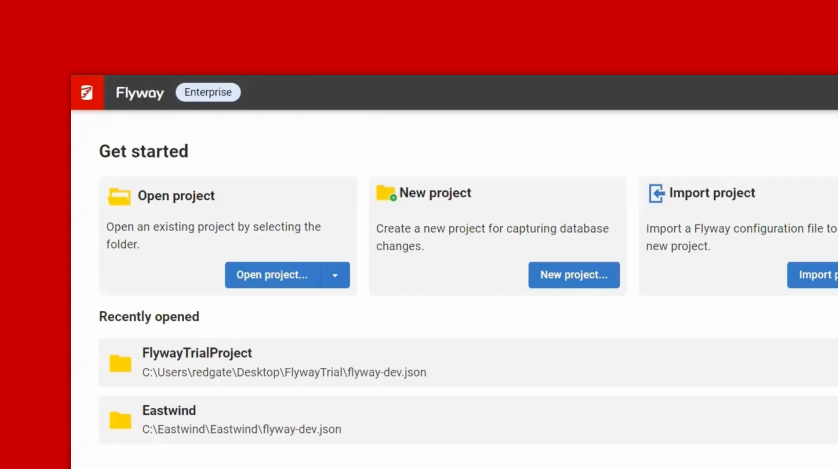
With your environments set up and your databases provisioned, it's time to begin working with your Flyway Autopilot project. In this episode, you’ll learn how to configure your project to make changes to the Autopilot Dev database, track those changes using Flyway Desktop, and prepare for automated deployments.
This episode guides you through the process of:
By the end of this episode, you'll have a solid foundation for managing schema changes and taking the next steps toward automation.