Security and compliance
Ensure data security and compliance with monitoring and change traceability
Ensure data security and compliance with monitoring and change traceability
Monitor and understand your databases with full visibility into performance and change
Build, test, and deploy database changes with confidence
Simplify and speed up database development workflows
Prepare reliable data foundations for AI initiatives
Simplify and secure database modernization across platforms
Control costs and boost efficiency in database operations
Simplify and speed up cloud database transformation
Redgate Deploy functionality is available in Redgate Flyway Enterprise
Increase the frequency and reliability of deployments with Database DevOps
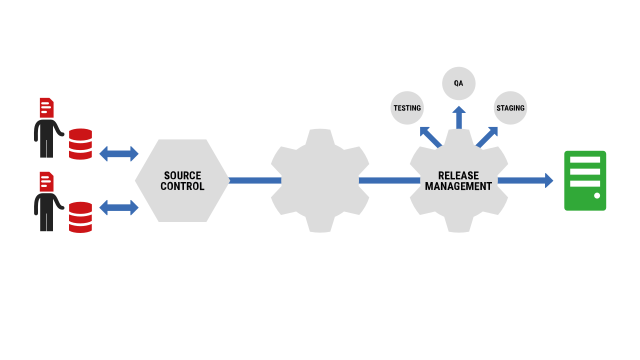
Building on your continuous delivery process for applications, and incorporating Redgate’s industry-leading tools and Redgate Flyway migrations framework, Redgate Deploy extends DevOps to your databases.
Request a demoRedgate Deploy functionality is available in Redgate Flyway Enterprise
“We're managing to release up to 95 times per day. It's vastly improved from 1 every 6 weeks.”
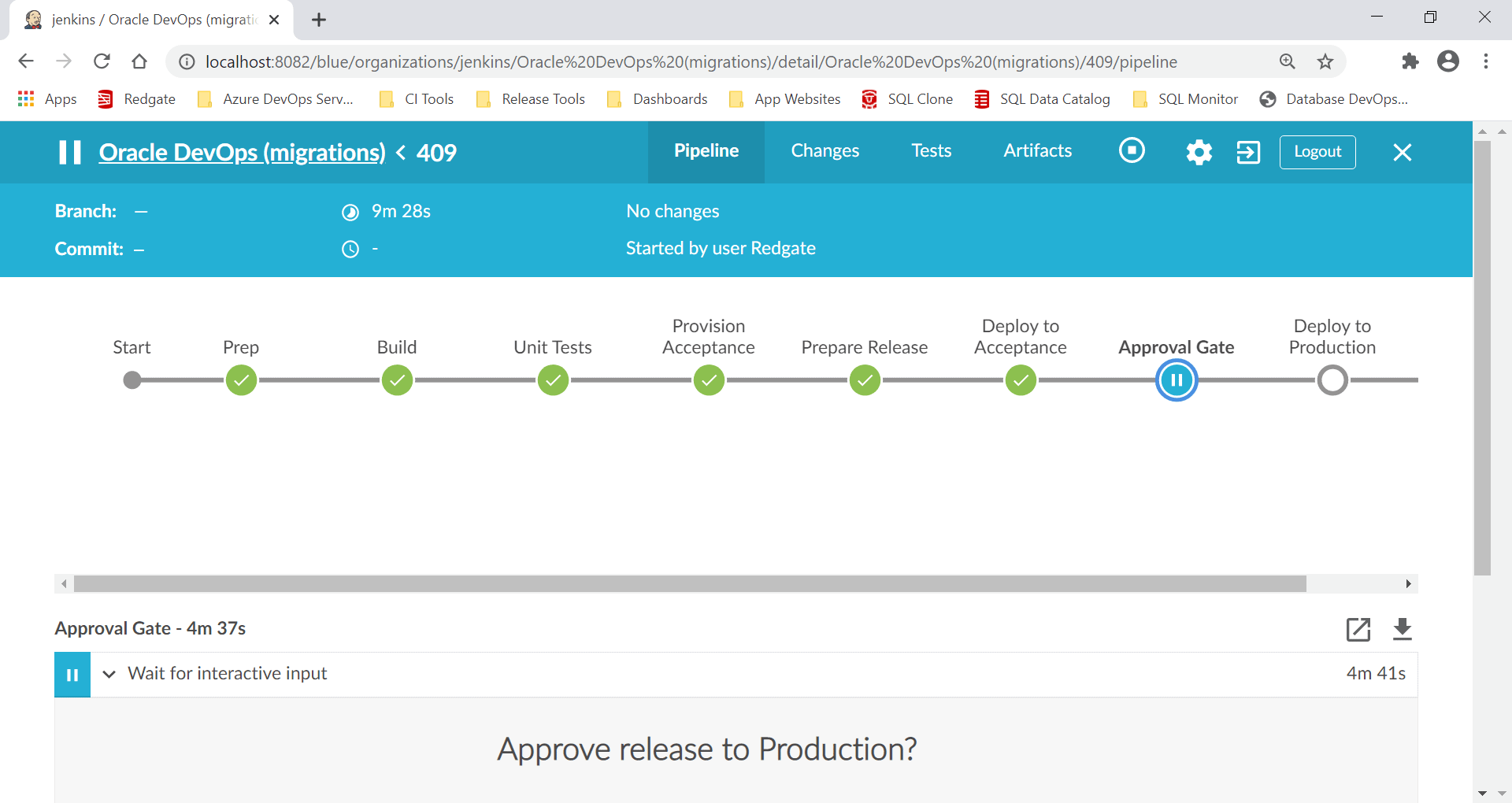
Automate your deployments for faster delivery of database changes through your pipeline.
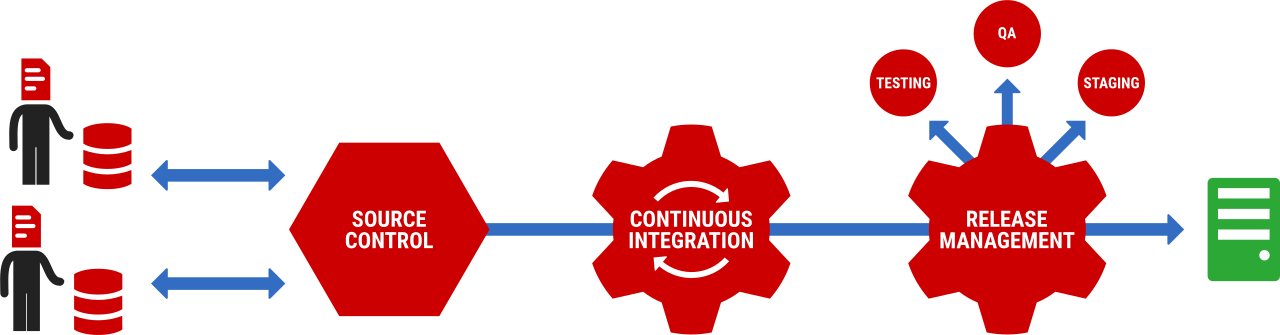
To guarantee quality and consistency, Redgate Deploy provides repeatable processes that you can standardize on at every stage, from version control to live deployment.
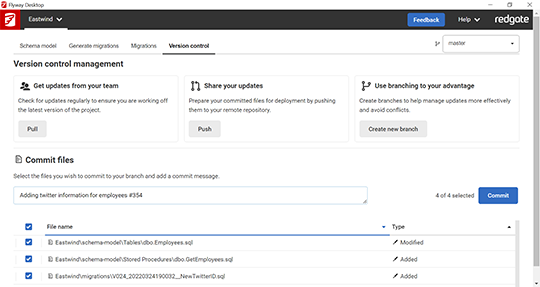
Standardize how you manage database changes with Redgate Flyway, the world’s most popular migrations framework for database deployments.
Built in to Redgate Deploy, Redgate Flyway uses native SQL for easy adoption and a tried and tested approach that works with the 20 most common database platforms.
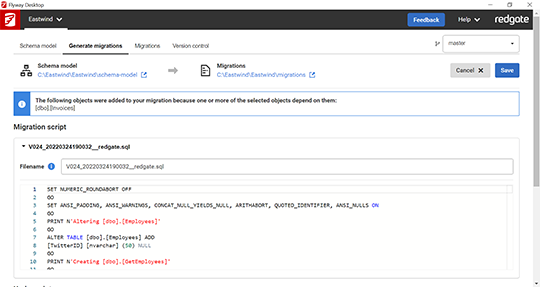
With Redgate tools built around SQL, plus extra features and GUI-based options to auto-generate migration scripts for SQL Server and Oracle, it’s simple for users to adopt Redgate Deploy, work more productively, and improve quality and consistency of deployments.
Keep track of your deployments with reports that support your review process and audit requirements.
Get insights into deployment scripts, change reports, code analysis, drift detection, and invalid objects.
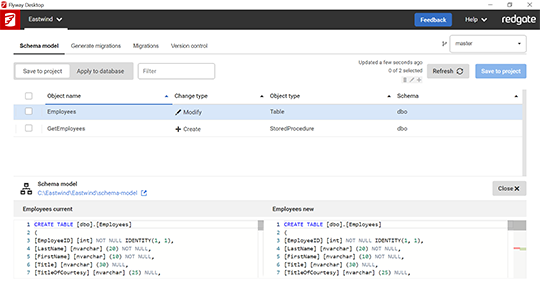
On-demand database clones
Develop and test with real data to catch bugs early. Automate and self-serve development and test environments with full-size production databases in seconds, saving 99% of storage.
Version control
Introduce version controlled migrations and record database changes to improve quality and speed up the development feedback loop.
Continuous integration
Automate the process of testing and promoting database changes across your pipeline, just like you do for application code.
Repeatable deployments
Deploy database changes in the same way every time. No matter the complexity of database changes, our tools ensure consistency and predictability during deployment.
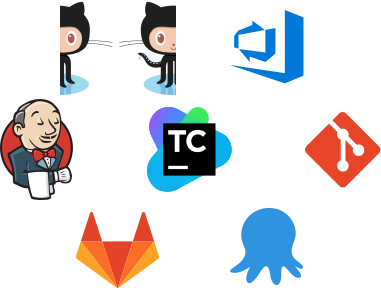
Redgate Deploy integrates with all common CI and release tools, including GitHub, Azure DevOps, Jenkins, TeamCity, and many more.
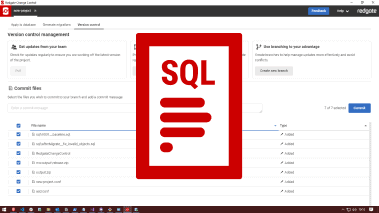
Redgate Deploy treats the SQL script as a first-class artifact. For SQL Server and Oracle, rich GUIs help you generate and validate your scripts. For other databases, the Redgate Flyway framework uses SQL scripts as its native deployment artifact.

Our support and engineering teams are on-hand to support you with implementation, design, and proof of concept.
With expert help, intuitive tooling, rich GUIs, and a wealth of documentation, training courses, and technical articles, you can quickly achieve a return on your investment.
“With techniques such as continuous delivery becoming more mainstream, automated database migrations are a baseline capability for many software teams. Redgate Flyway makes it as painless as possible to automate this process.”






Get started with Redgate Deploy
Request a demo, and see how these industry-standard tools can help you achieve continuous delivery of database changes.

If you'd like any help, or have a question about our tools or purchasing options, just get in touch.