Jump straight to the slowest activity
The call tree in the .NET performance profiler shows you data for every method and identifies the most expensive methods, database queries, and web requests.
Drill down to slow lines of code with line-level timings
Profile C# or any other .NET code line by line, with precise timing data so you can find issues at a glance. Expensive lines of code are automatically highlighted for quick visual inspection.
Look at your code's database interaction
Understand how your .NET code makes database queries and how those queries perform. ANTS Performance Profiler supports SQL Server and Oracle databases, whether local or remote.
Capture outgoing web requests
Look at your application's outgoing HTTP requests. Get data about the request and response headers, and see what .NET code caused them to run.
Immediate feedback on application performance
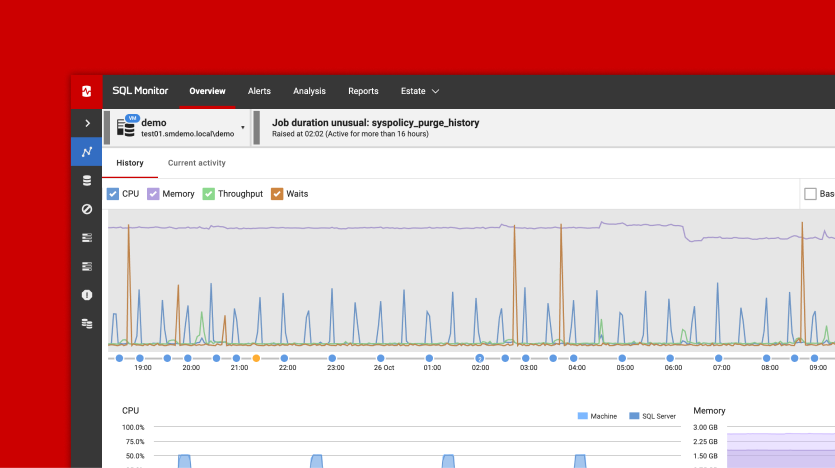
Use the interactive timeline to check the CPU usage of your .NET or ASP.NET application and highlight problem areas to focus only on the data that matters.
Group methods by HTTP request
Code and database activity are grouped by HTTP request, exposing performance problems on specific web pages.
C# profiling for async code
Understand the performance of C#5 async code. View activity in the context of the code you wrote, and see how work being done asynchronously is related to the async method which caused it to run.
Decompile third-party code
Find bottlenecks in third-party components and framework assemblies using integrated decompilation, powered by .NET Reflector.
Profile SQL queries
Relate timings for your individual lines of .NET code right through to the SQL execution plans. Find out exactly why your SQL query is running slow.