SQL Backup box shot

SQL Multi Script

Using SQL Multi Script to identify SQL Backup versions
by Brad McGehee, Director of DBA education at Red Gate

If you have used Red Gate Software's SQL Backup program for any length of time, you probably have different versions of it installed on your various SQL Servers. You may not have had the time to upgrade all of your servers to the latest version of SQL Backup, or, maybe you are happy with the current status of many of your servers and you feel that the risk outweighs the potential benefits of the upgrade.

In any event, it is often useful to be able to produce a report on all your SQL Servers, showing which instances have SQL Backup installed on them and, in addition, showing you which instances have which version of SQL Backup running on them.

An alternative to gathering this data manually, a task that would become more time-consuming and tedious the more servers you have, is to let SQL Multi Script do this for you. SQL Multi Script allows you to run the same script against multiple instances of SQL Server with a single click of a button. The script runs on each server, returning the aggregated results of the script in a simple on-screen report. Let’s see how this works.

Creating the script

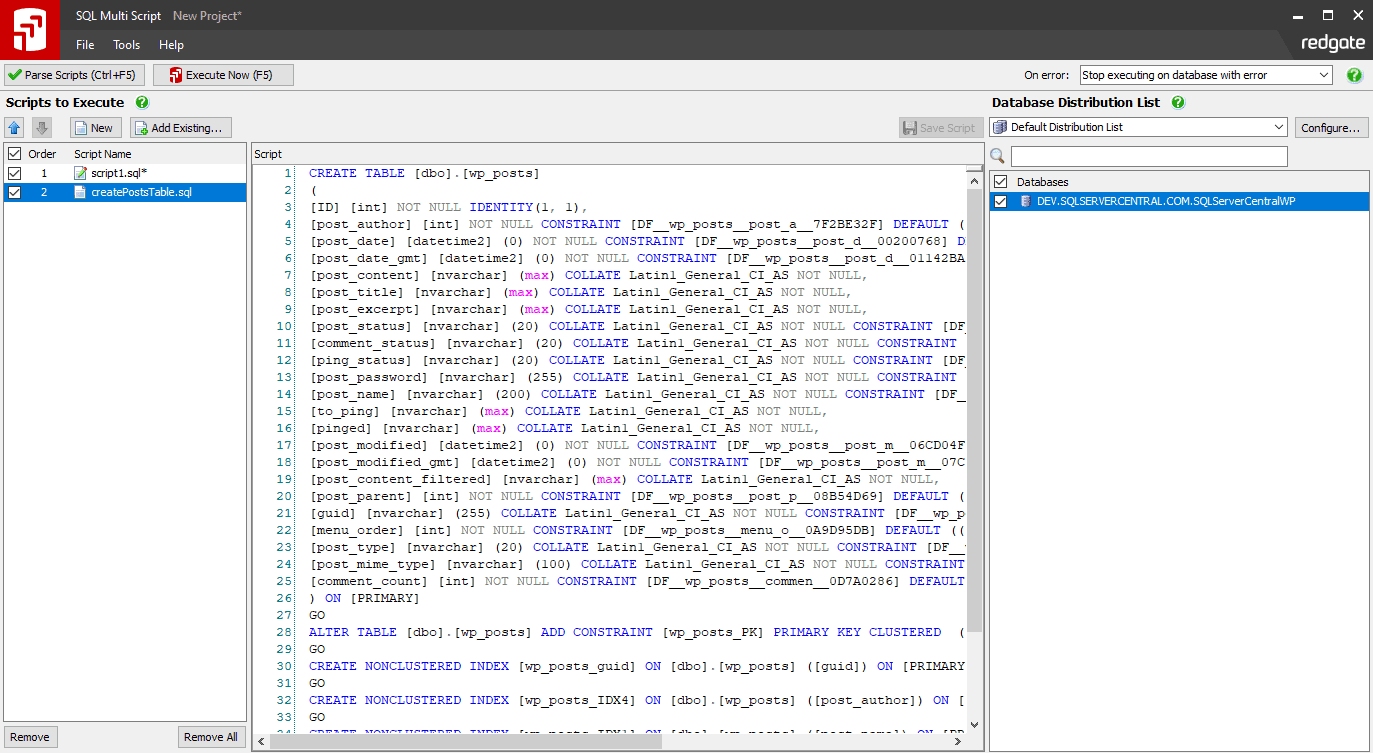
First, we need to create a script that will identify if SQL Backup is running on a SQL Server instance and, if so, extract the version number from each SQL Server instance. You can download the script from this article as a .sql file.

Creating a script
Fig 1. Creating a script.

When the script is run, two result sets are returned. The first one identifies any SQL Server instances that don't have SQL Backup installed. It does this by identifying whether or not the sqbutility extended stored procedure exists in the master database of a SQL Server instance. If it does, then we know that SQL Backup has been installed on this instance.

Assuming that sqbutility has been found, the script then executes sqbutility to gather some information, such as the version number of SQL Backup that is installed on the server, installation date and so on. This data comprises the second result set.

For example, if I run this script on a single SQL Server instance, I get this result:

The script returns two result sets

Fig 2. The script returns two result sets.

In this example, nothing is returned in the first result set because I am running the script on a single instance of SQL Server that has SQL Backup installed. The second result set lists the version number and serial number of the copy of SQL Backup installed on this single SQL Server instance. There is only one row returned because I am only querying a single SQL Server instance.

However, if you load this script into SQL Multi Script, and run it against the master database of each SQL Server instance you wish to interrogate, then you'll receive an aggregated report showing you which of your servers have SQL Backup installed and, if so, which version they are running.

Summary

In enterprises with tens, or possibly hundreds, of SQL Servers, the technique demonstrated here will automate the manual process of keeping track of which version of SQL Backup you have on each server, and save you a lot of time.

This article assumes you've used SQL Multi Script before. If you haven't tried it out yet, download a trial copy and then take a look at my follow-up to this article, Running a "SQL Backup version" script using SQL Multi Script, to find out exactly how you can run the script described here, using SQL Multi Script.

Author profile:
Brad McGehee photo
A Microsoft SQL Server MVP with over 10 years' SQL Server experience, Brad founded the popular community site SQLServer-Performance.Com where he now acts as the technical editor and forum moderator. Brad is also a frequent speaker at SQL PASS, SQL Connections, SQL Server user groups, and other industry seminars and he is the author or co-author of more than 12 technical books and over 100 published articles. He spends what time he has left with his family in Hawaii.

SQL Backup 5.3 has just been released. SQL Backup is used by nearly 5,000 organizations worldwide for faster, smaller, secure backups. To find out more and to download a free, 14-day, fully functional trial, take a look at the SQL Backup product pages.

from $195

($244 including support & upgrades)

  • Download a 14-day free trial
  • Create a quote for SQL Multi Script
  • Add SQL Multi Script to shopping cart