
Security and compliance
Ensure data security and compliance with data masking, monitoring, and change traceability
Ensure data security and compliance with data masking, monitoring, and change traceability
Monitor and understand your databases with full visibility into performance and change
Build, test, and deploy database changes with confidence
Simplify and speed up database development workflows
Prepare reliable data foundations for AI initiatives
Simplify and secure database modernization across platforms
Control costs and boost efficiency in database operations
Simplify and speed up cloud database transformation
SQL Multi Script lets you execute multiple scripts against multiple SQL Servers quickly and easily

A range of features are included in SQL Multi Script to assist change management across your SQL Servers. Whether you want to deploy a script or fetch data from multiple databases on different servers in parallel, SQL Multi Script saves you time by significantly reducing the steps needed to complete your task.
You can configure personalized lists of databases, for test, production, or QA environments, to which you can quickly deploy specific scripts.
SQL Multi Script also enables easy querying of your databases with an intuitive interface that includes additional features for faster editing.
1 Year Subscription
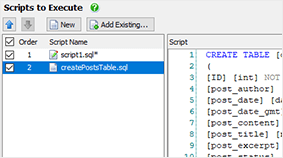
View scripts
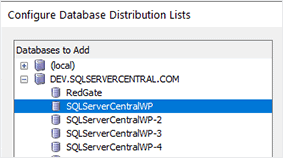
Configure distribution lists
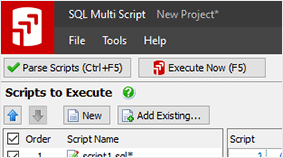
Parse scripts
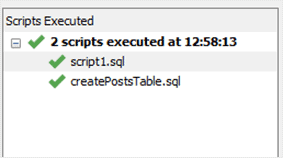
Execute scripts




