SQL Dependency Tracker box shot

SQL Dependency Tracker

Frequently asked questions (FAQ)

Why have I not received an activation response when activating my software via email?

The activation server looks for the XML data in the activation request. HTML formatted emails make it difficult for the activation server to locate the activation request in the message and, when it's not found, the server simply gives up and discards the email. To prevent this, always ensure that activation requests via email are in plain-text format rather than HTML.

What versions of SQL Server are supported?

SQL Dependency Tracker requires Microsoft SQL Server 2000 or higher.

I haven't completed my evaluation and would like to extend my trial period. How can I do this?

This is possible. Please contact us for further information.

What are the license conditions?

Read the license agreement for SQL Dependency Tracker.

I don't want my SQL Server instance or database passwords to be stored. How secure is SQL Dependency Tracker?

SQL Dependency Tracker will not store passwords with your project unless you ask it to via Project Options. If you do ask for passwords to be remembered, they will be stored in encrypted form.

I added objects to my diagram, and a bunch of other objects were added as well. What's going on?

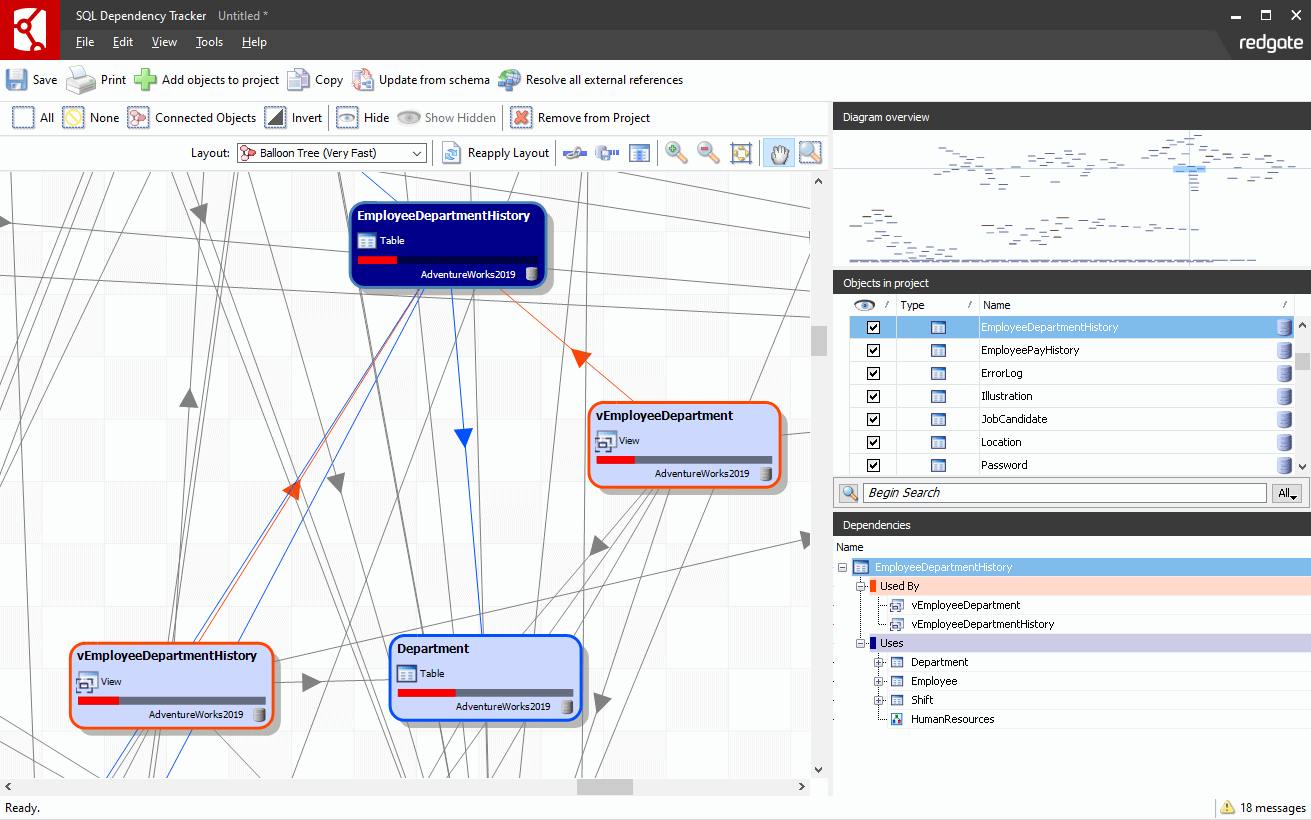
When you add objects to your project, SQL Dependency Tracker will follow their dependencies automatically, and add all objects which use those objects, then all objects which use the objects it has just added, and so on. You can change this behaviour via the Options dialog on the Tools menu.

I need to analyze the impact of changes to a really big database. What's the best way of doing this?

You can add all the objects in large databases to your project, but this is not recommended. Performance considerations aside, it's hard to track dependencies when there's so much data displayed.
The recommended approach is to just add to the project the objects to which you intend to make changes. SQL Dependency Tracker will automatically add all objects which use those objects, then all objects which use those objects, and so on. This generally produces the complete set of objects which can be affected by your change.

If I change options, will they be remembered for my current project? Will they be remembered for new projects?

Options are project specific. If you save your project, the current option settings will be remembered. If you start a new project, the options will be reset to their default settings.